How Askel keeps coursework trusted.
Five steps that follow a project from the first week to the moderator’s desk. Every feature sits under one step, so you can see what happens when, and who does it.
Step 1 of 5
Prepare
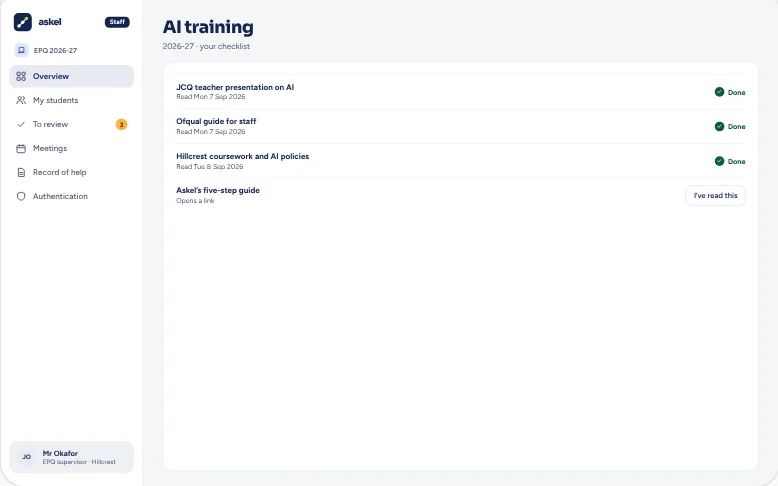
Have we told students the rules, and can we show we did?
Everyone knows the AI rules before the work starts.
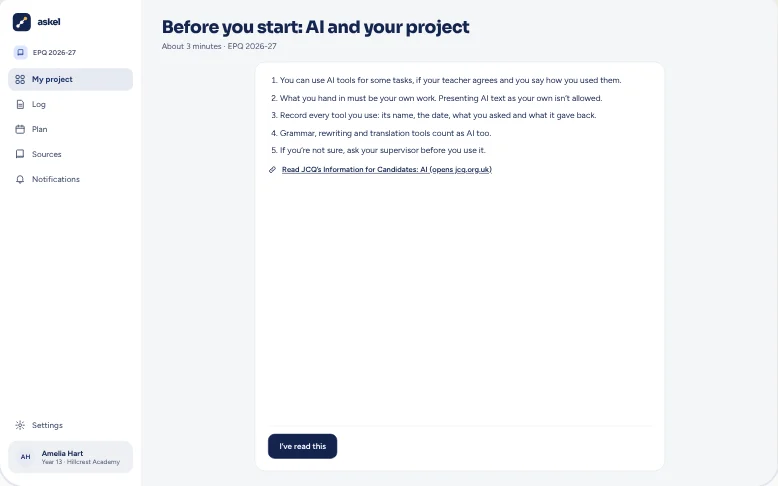
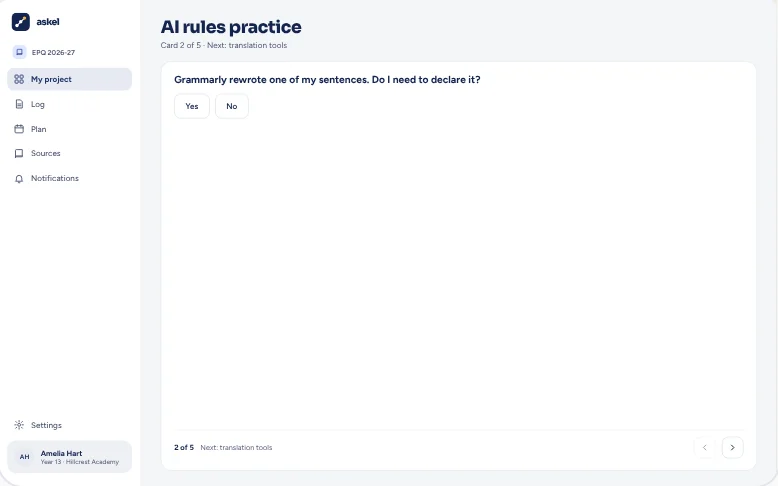
Step 2 of 5
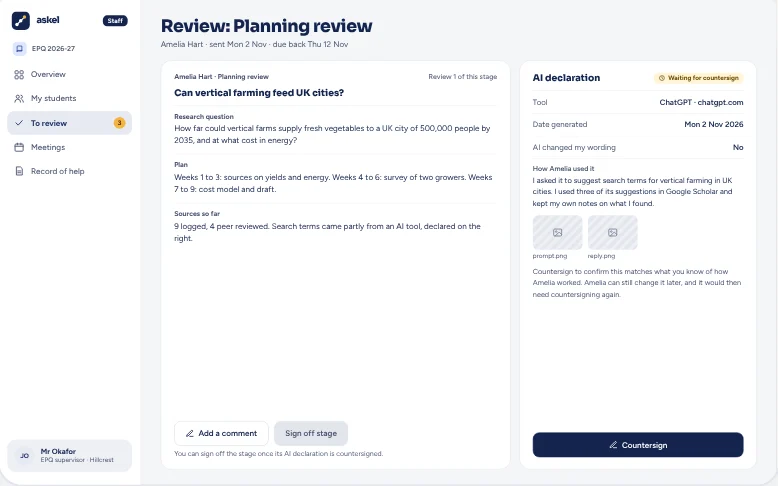
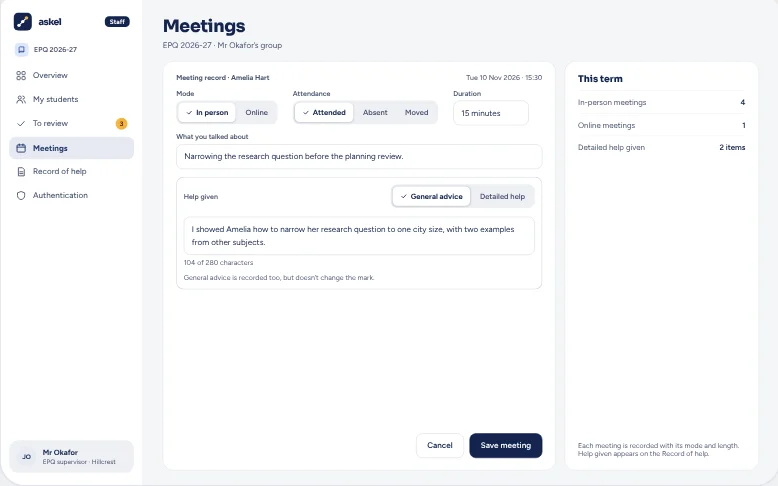
Show
Can a student show how their work grew?
The work shows how it was made, as it’s made.
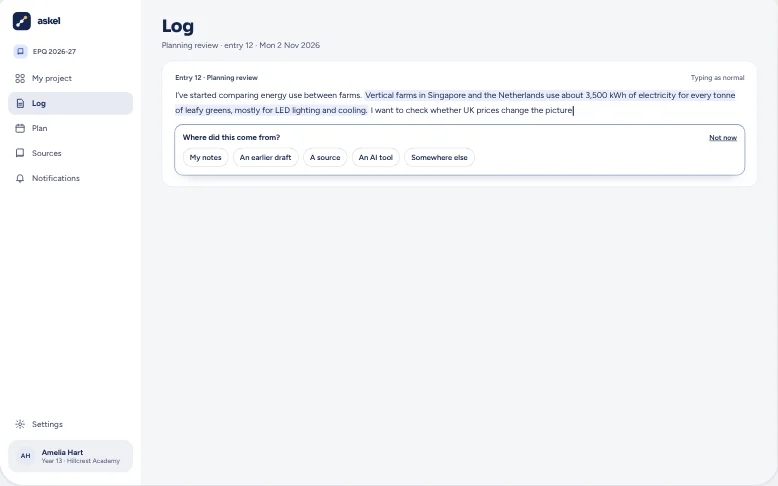
Step 3 of 5
Notice
How do I spot a problem without accusing anyone?
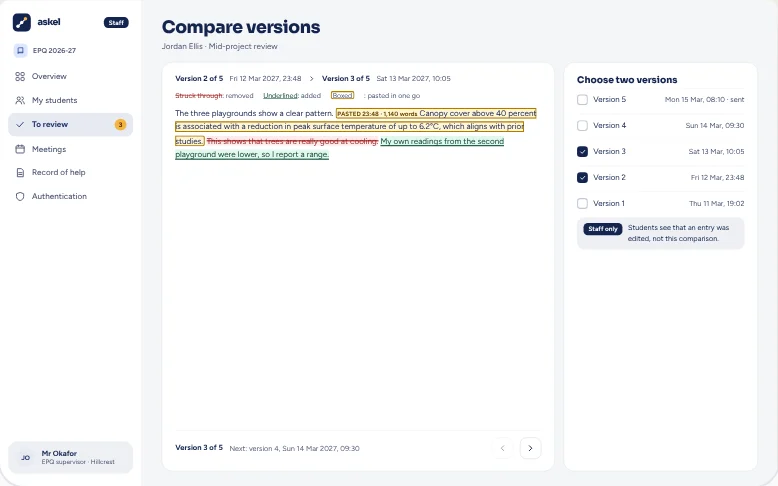
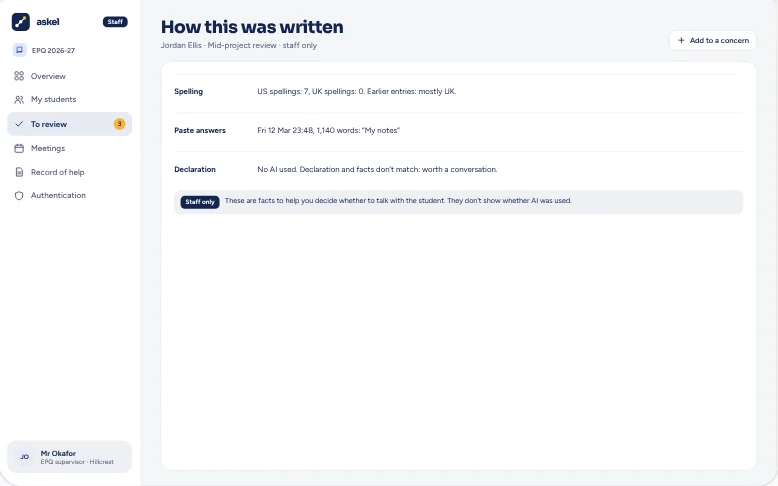
Teachers see facts worth talking about. We don’t guess whether AI wrote it.
Teachers only
Facts for teachers to look at, not a verdict.
Step 4 of 5
Resolve
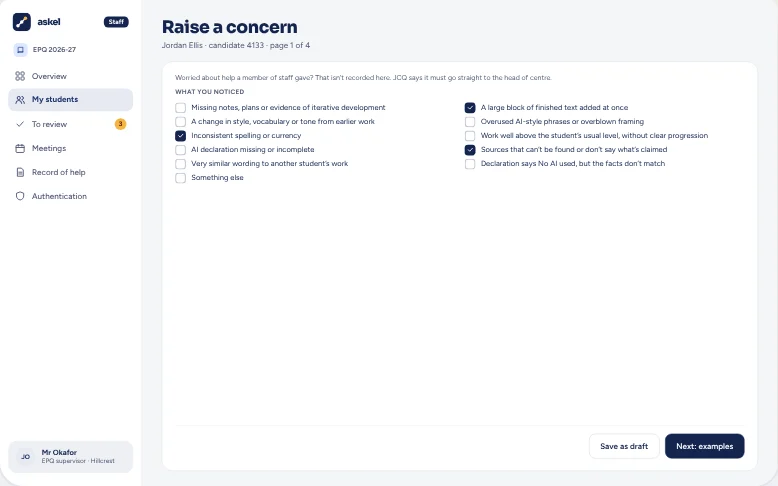
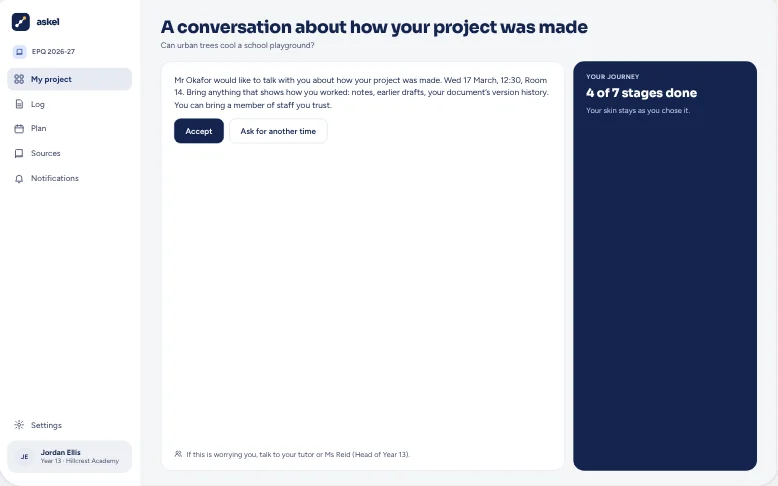
What do I do when I’m worried, and how do I keep it fair?
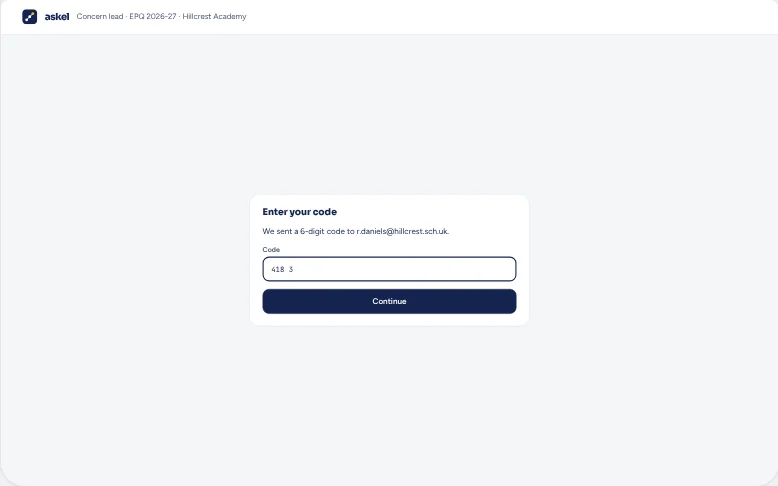
A worry becomes a fair, written-down conversation.
Step 5 of 5
Prove
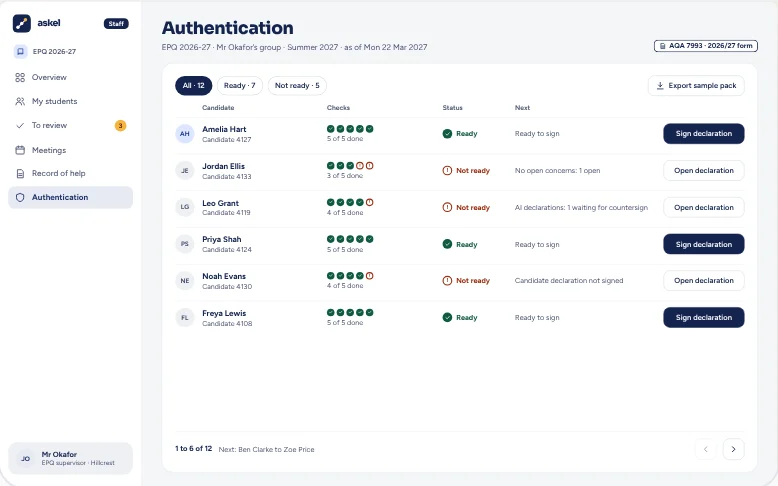
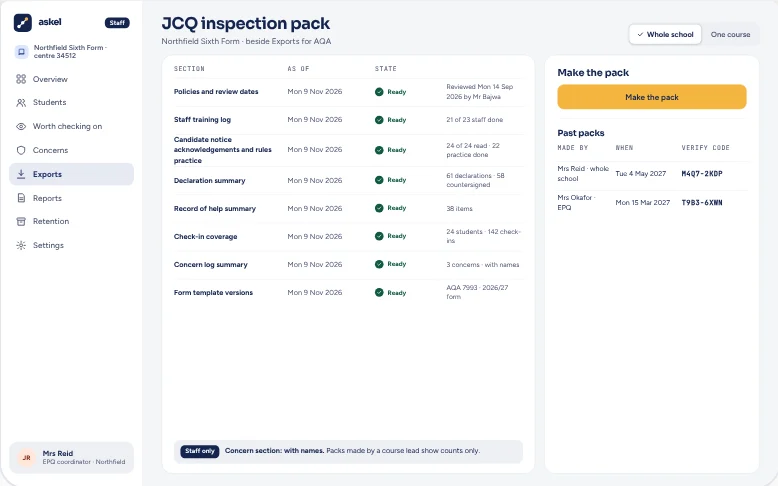
Can I sign the statement, and back it up if asked?
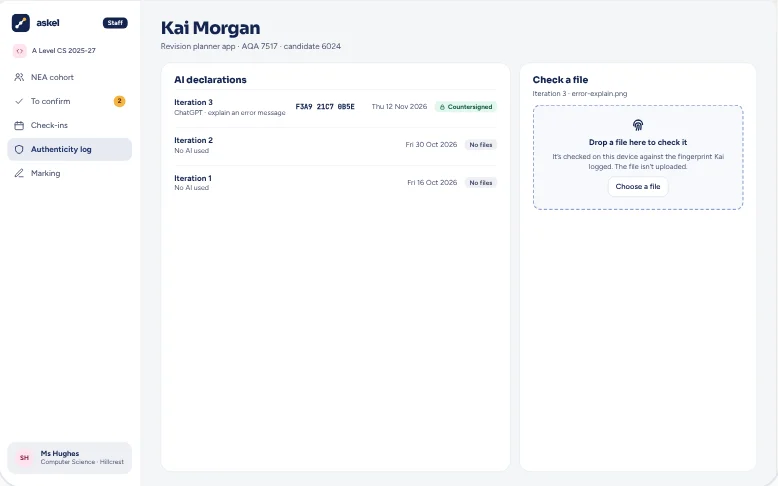
Signed records that anyone can check.
What Askel records
What Askel records, and what it doesn’t.
Askel records what people do in Askel, with dates. It doesn’t watch students.
Records
- Plans, milestones and stages, with dates
- Drafts saved in Askel, like the EPQ diary
- A fingerprint for each file linked from elsewhere
- Meetings and any help given
- Which AI tools students say they used
- Teachers’ sign-offs and signed statements
- Worries raised, the conversation and what was decided
Doesn’t record
- Keystrokes
- What’s on the student’s screen, or their camera
- Work done in other apps or websites
- The coursework itself, for most subjects. It stays where your school keeps it.
- Anything sent to AI companies. There’s no AI in Askel.
Already using Project Q?
Switching from Project Q
Start your next cohort in Askel. Keep this year’s students where they are.
Project Q is AQA’s online system for the EPQ.