One question at a time
Each stage asks one thing, so you always know what to write next.
LaterGCSE Design and Technology, Engineering and Electronics.Planned order, not dates.
All 14 subjectsSee the build orderPlan your project, show how it grows, and know what’s next. If anyone ever asks, your timeline answers.
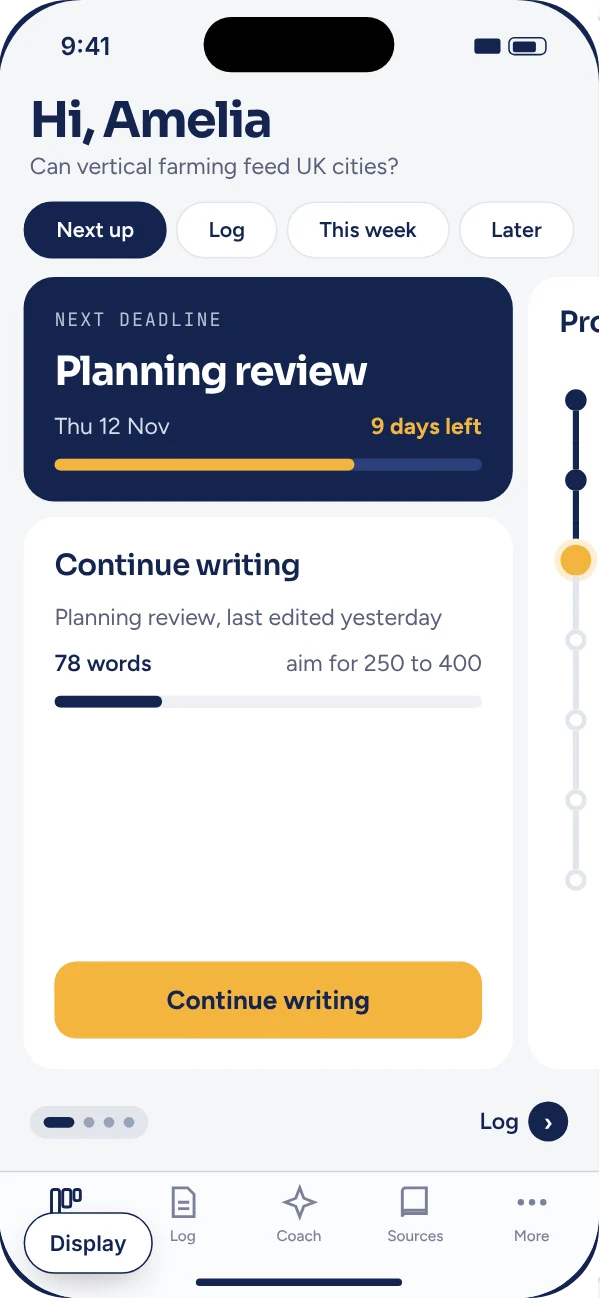
Pick a skin for your project line. Only you see your skin. Teachers always see the standard view.
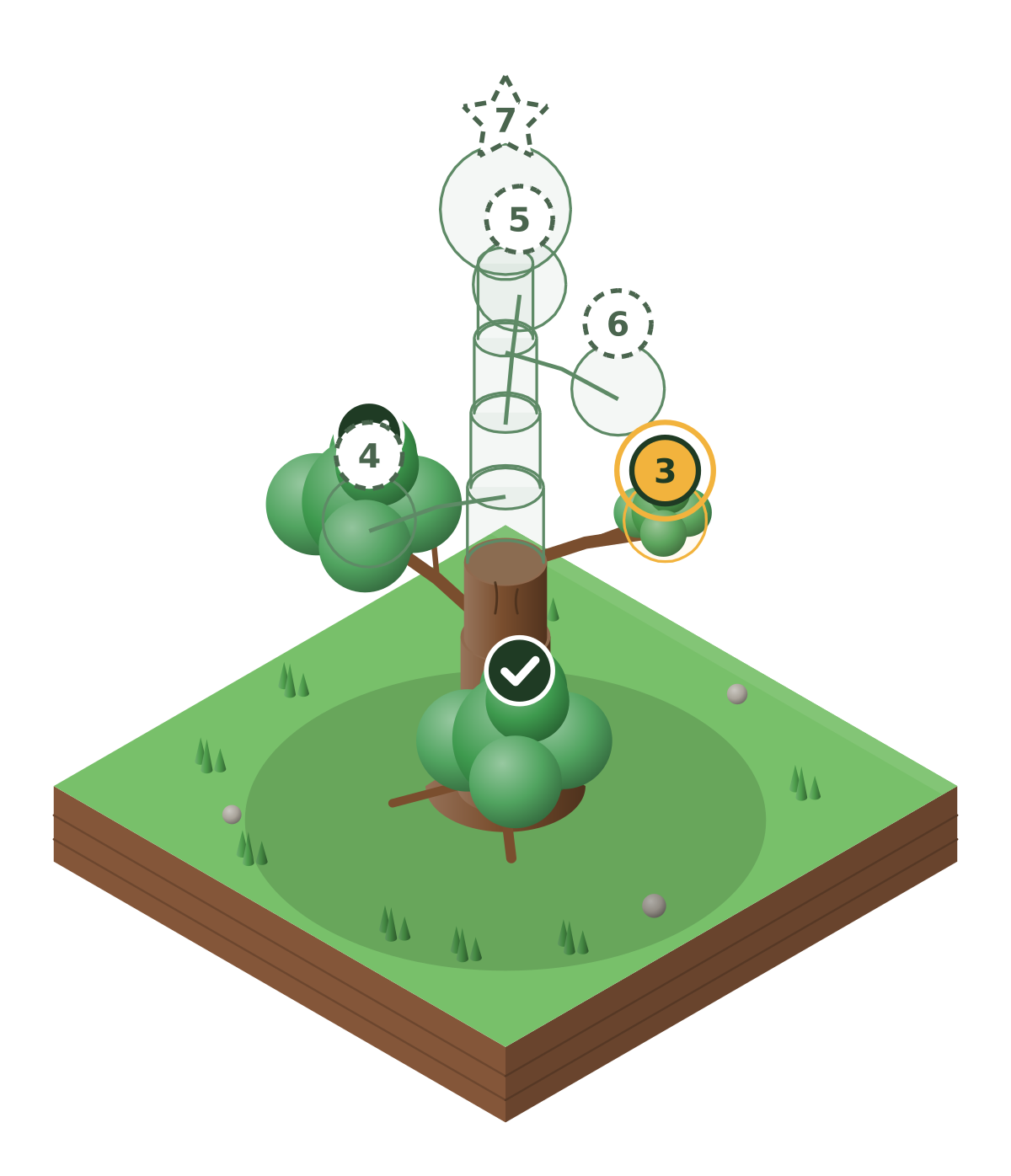
Use the arrow keys to move between skins. The skin changes the drawing, its colours and the font of step names. Dates, words and buttons stay the same.
Each stage asks one thing, so you always know what to write next.
Nothing gets lost. You can look back at any earlier version.
Your supervisor’s comments sit next to the words they’re about.
Change the text size, colours and font. Turn on a reading ruler.
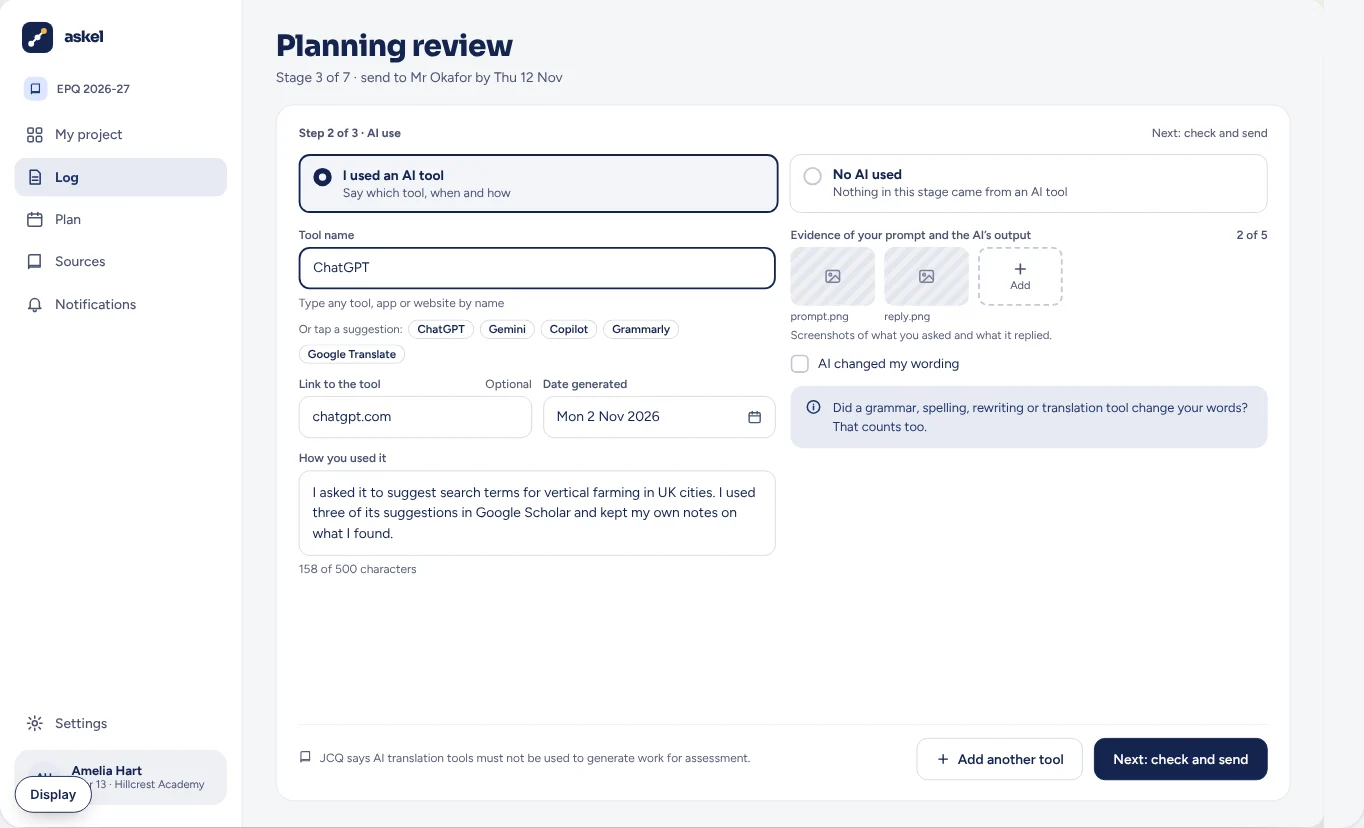
AI tools, like ChatGPT, can write or change text for you. If you use one, say which tool, when, what you asked and how you used it. Being open protects you under exam rules.
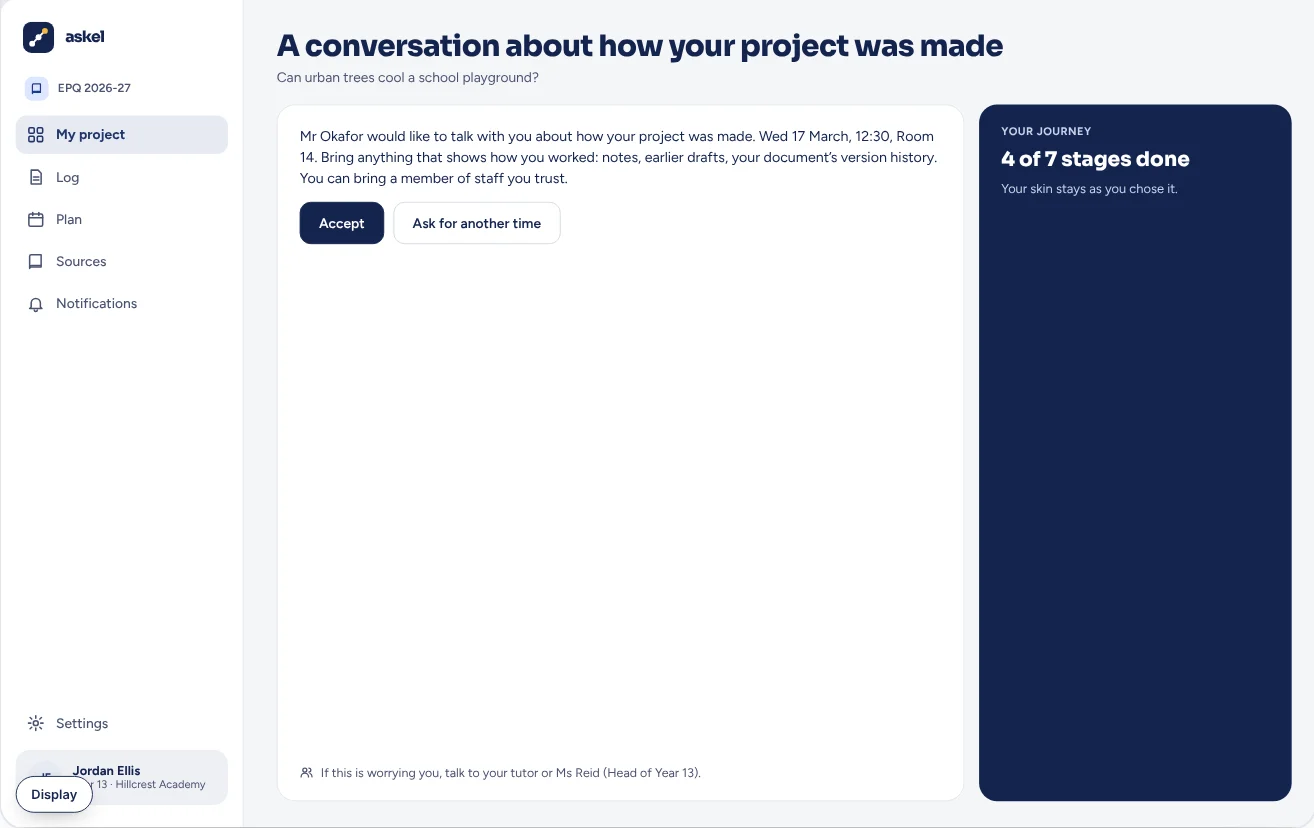
Download your own signed timeline at any time. Anyone can check the code on it.
Your teacher gives you a class code, or emails you an invite. Use it the first time you sign in, and your school’s dates are on your plan.
An app that keeps a dated record of how your child’s coursework was made, so they can show it’s their own work.
Askel has no AI in it, and never sends your child’s work to AI companies.
You can talk with your child about their project. JCQ, the group that writes the shared rules for the main exam boards, says parents must not give direct advice on what to include.
For students, parents and teachers. One email when it’s ready, and nothing else unless you ask.
Kept in this browser only. No cookie, and it isn’t linked to you.